

Adam Greenberg
December 12, 2025
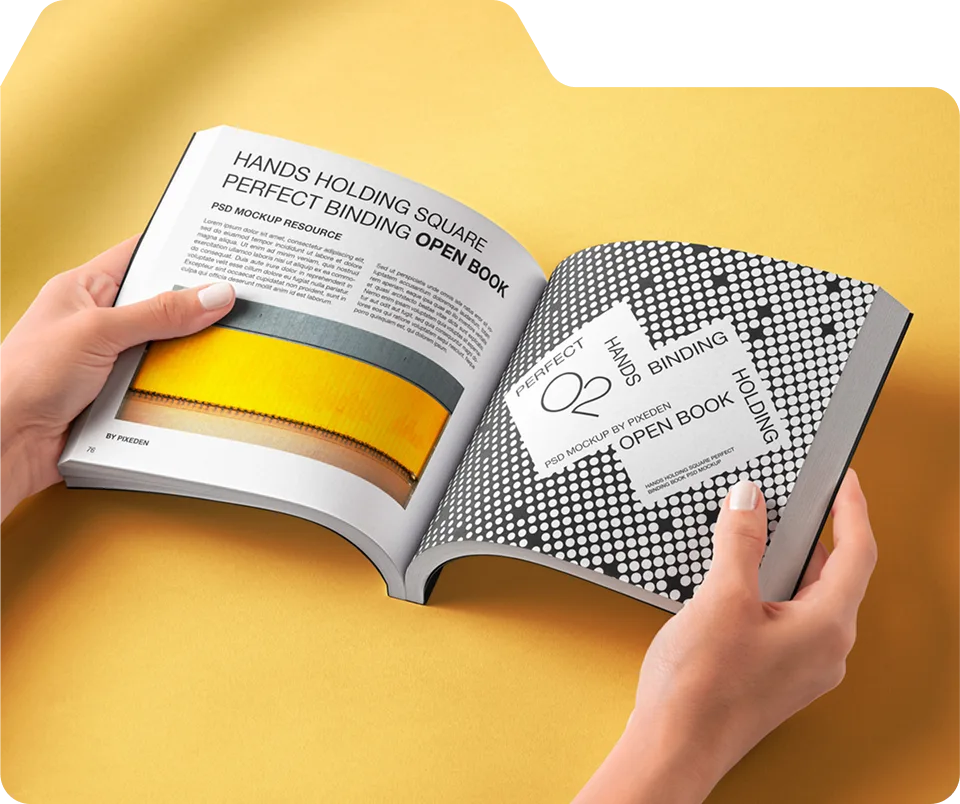
This guide from Unique Print NYC explains layout best practices for booklets, including page organization, visual hierarchy, typography, imagery, and white space. NYC businesses and creatives can use these strategies to make booklets that are professional, clear, and engaging.
Booklet Layout Best Practices for Effective Communication
A well-organized booklet makes information easier to digest, enhances reader engagement, and reinforces your professional brand. Effective layout combines typography, imagery, spacing, and flow to create a polished, functional final product.
At Unique Print NYC, we guide clients through layout planning, ensuring booklets for marketing, events, or corporate use are visually appealing, readable, and effectively communicate the intended message.
1. Establish a Clear Visual Hierarchy
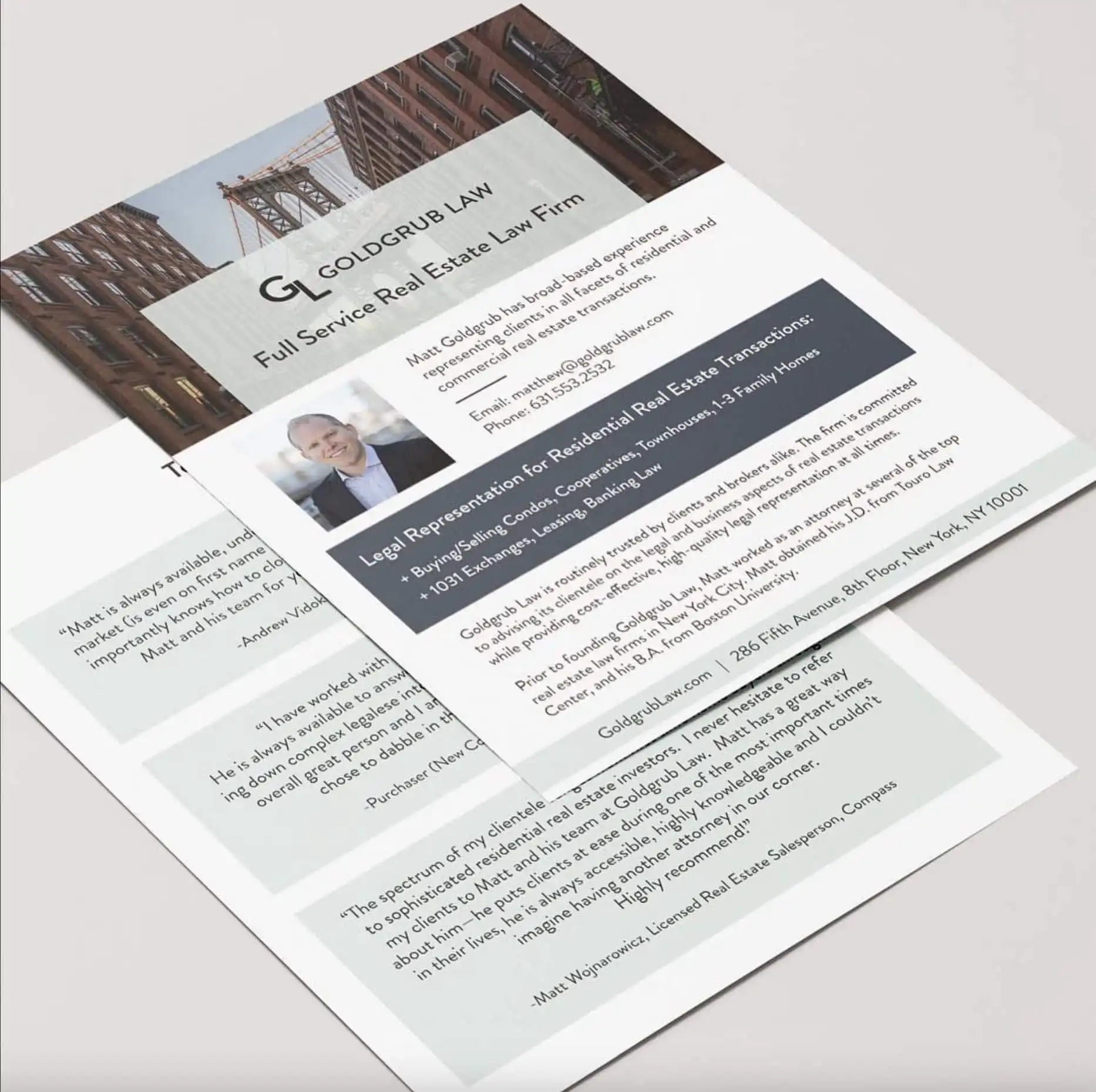
The visual hierarchy ensures that the most important elements capture attention first. This includes headings, subheadings, images, and callout elements.
Key strategies:
- Use consistent heading sizes to differentiate sections.
- Highlight critical points with bold text or accent colors.
- Integrate images or graphics to break up large blocks of text.
Tip: Think of your booklet as a roadmap—readers should know intuitively where to look next.
2. Plan Page Flow and Organization
Logical page flow helps readers understand your message without confusion. Each section should build on the previous, with a clear introduction, main content, and conclusion or call-to-action.
| Page Section | Purpose | Notes |
|---|---|---|
| Introduction | Introduce the topic or product | Keep it brief and engaging |
| Main Content | Detailed explanations, imagery, or charts | Balance text and visuals |
| Call-to-Action | Contact info, quotes, or links | Make prominent and easy to find |
Tip: Group related content together to maintain coherence and make scanning easier.
3. Use Grid Systems for Alignment
Grids ensure consistent alignment of text, images, and design elements. They create a professional look and support readability.
A grid system can help you:
- Align headings and subheadings consistently.
- Maintain uniform spacing between elements.
- Organize complex pages with multiple images and charts.
Tip: Even subtle alignment improves flow and visual balance.
4. Typography Choices Matter
Readable typography improves engagement and conveys professionalism.
- Limit fonts to 2–3 complementary styles.
- Use clear contrast between headings and body text.
- Avoid overly decorative fonts for the main content.
Tip: A consistent typographic style reinforces branding and readability throughout the booklet.
5. Integrate High-Quality Imagery
Images should support content and improve visual engagement, not overwhelm it.
- Ensure all images are high-resolution (300 DPI).
- Align visuals with the corresponding text to maintain context.
- Balance imagery with white space to avoid clutter.
Tip: Infographics and icons can simplify complex information and guide readers.
6. Balance Text and White Space
White space improves readability, focus, and overall aesthetics. A crowded page is difficult to follow and can overwhelm readers.
- Leave consistent margins around text and images.
- Break up long paragraphs with subheadings or callouts.
- Use spacing to separate sections and highlight key points.
Tip: Less can be more—strategically used white space enhances comprehension and visual appeal.
7. Consistent Branding and Design Elements
Consistency strengthens brand recognition and maintains a professional appearance.
- Repeat brand colors, logos, and visual motifs throughout the booklet
- Maintain uniform header, footer, and page number styles.
- Apply the same font hierarchy and spacing rules across all pages.
Tip: Consistency builds trust and reinforces your brand identity.
8. Accessibility and Readability
Booklets should be readable for all audiences, including those with visual challenges.
- Use high contrast between text and background.
- Select legible font sizes for headings and body text.
- Ensure charts, graphs, and images are clear and easy to interpret.
Tip: Accessibility enhances engagement and ensures your booklet communicates effectively.
9. Test Layout Before Printing
Booklets should be readable for all audiences, including those with visual challenges.
- Print a sample copy to verify alignment, spacing, and overall flow.
- Check page numbers, margins, and color consistency.
- Adjust layouts based on sample feedback before mass printing.
Tip: Proofing ensures the final product communicates clearly and looks professional.
10. Why Choose Unique Print NYC for Booklet Layout
- Expert guidance on organization, typography, and visual flow
- High-quality digital and offset printing for any size or page count
- Custom layouts tailored for NYC businesses, events, and creatives
- Fast delivery and professional support
- Booklet Printing Services
- Request a Quote
Adam Greenberg
December 12, 2025