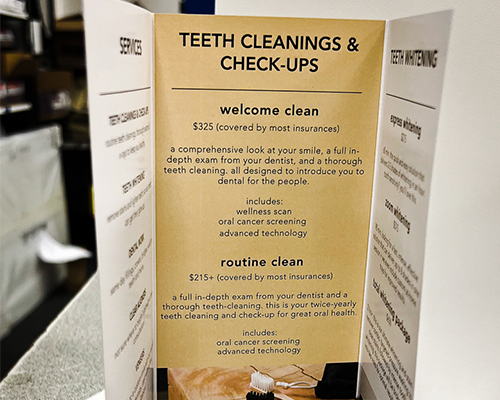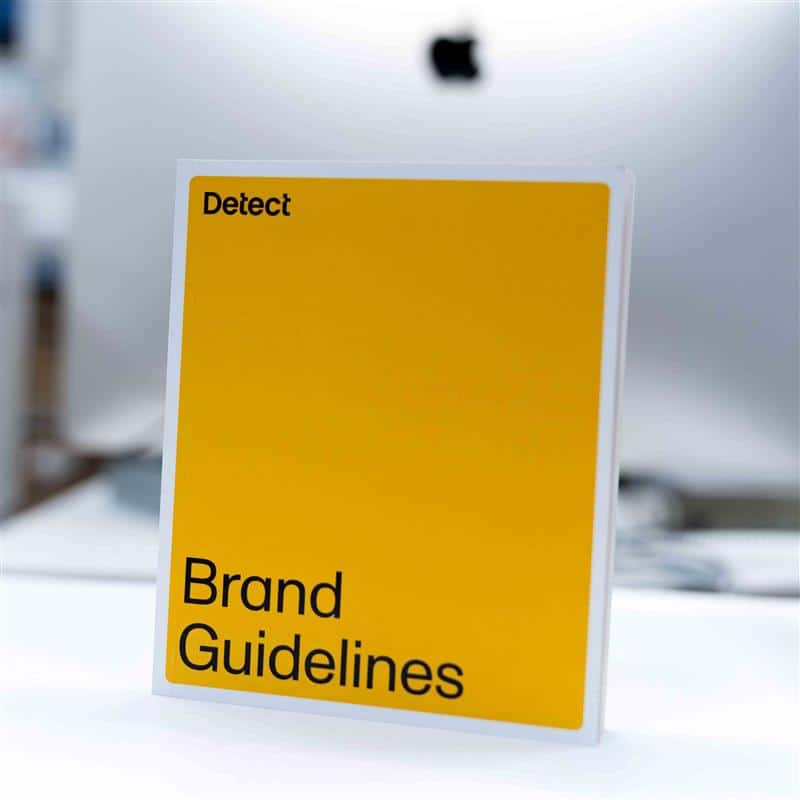
This guide from Unique Print NYC provides actionable design tips for creating professional, visually appealing booklets. It covers layout strategies, typography, color, imagery, and page organization to help NYC businesses, event organizers, and creatives make booklets that grab attention and communicate messages effectively. Whether designing catalogs, programs, or marketing materials, these best practices ensure your booklets look polished and engaging.
Design Tips for Eye-Catching Booklets
Creating a booklet that is both functional and visually engaging requires careful attention to layout, typography, imagery, and overall design flow.
At Unique Print NYC, we help clients design booklets that attract attention, communicate messages clearly, and leave a lasting impression. This guide provides practical tips and best practices for designing booklets that stand out.
1. Plan Your Layout Before Designing
- Decide on page size and orientation
- Determine the number of pages and content hierarchy
- Sketch a rough wireframe to visualize placement of text and images
Tip: Planning layout before design saves time and ensures consistent structure throughout the booklet.
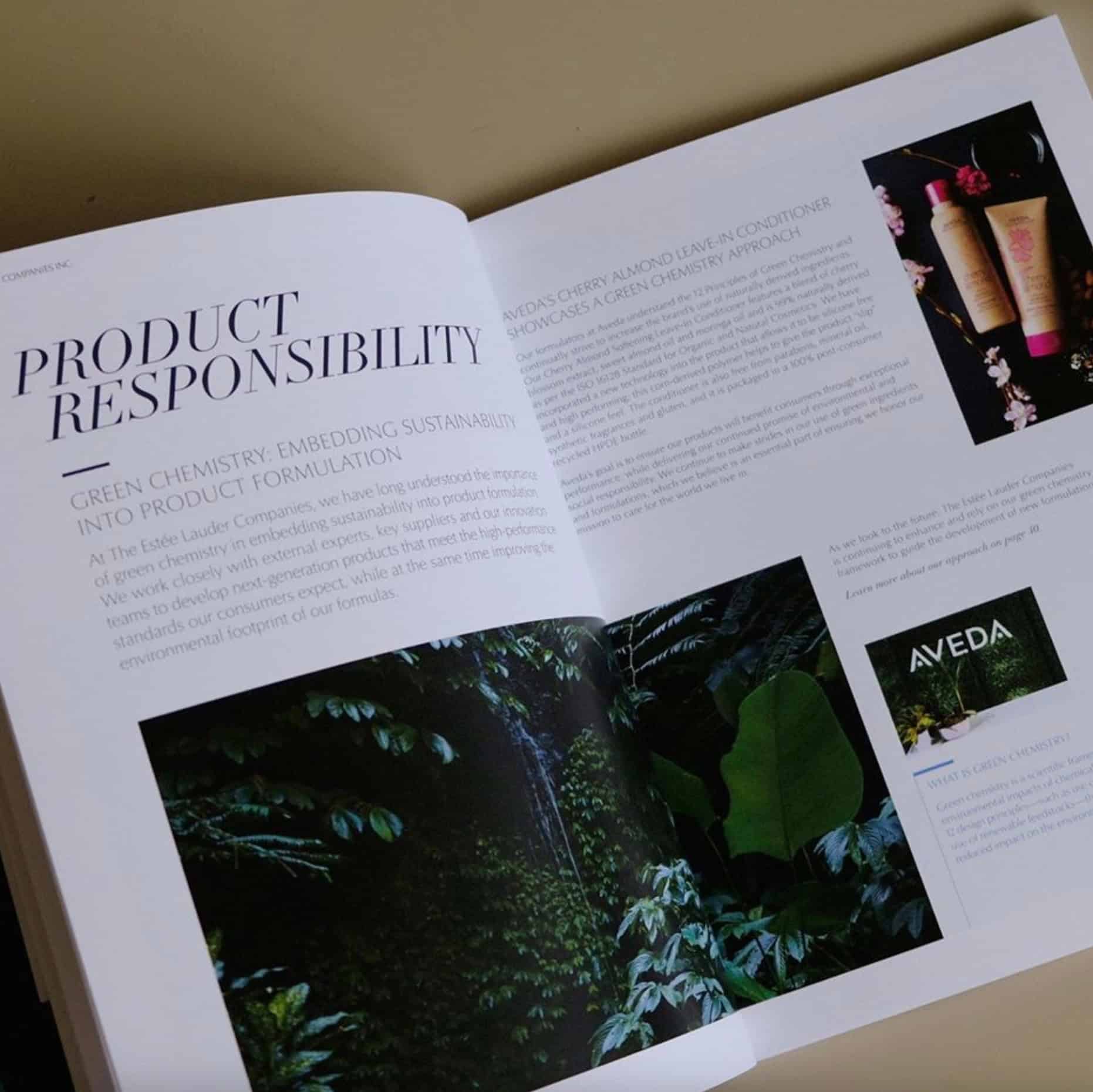
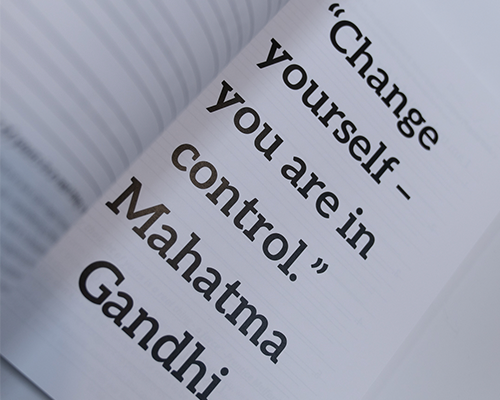
2. Use Consistent Typography
- Choose 2–3 complementary fonts for readability and style
- Maintain consistent heading sizes, subheadings, and body text
- Avoid overly decorative fonts that reduce legibility
Tip: Clear typography improves user experience and creates a professional appearance.
3. Optimize Color Usage
- Use brand colors to maintain identity
- Employ contrast to make key elements stand out
- Limit color palette to 3–4 primary colors to avoid visual clutter
Tip: Consider printing colors in CMYK mode to ensure accurate reproduction.
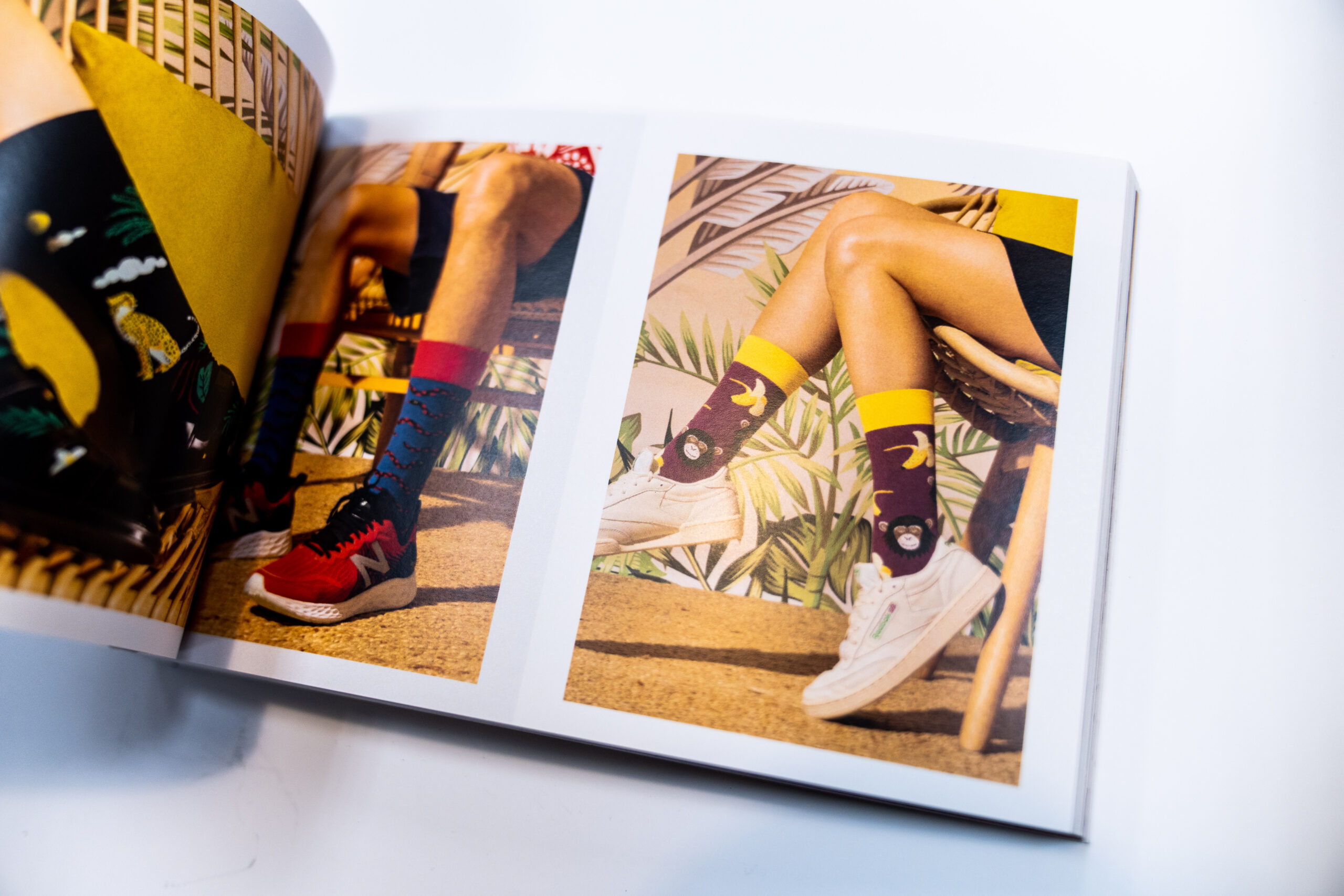
4. Incorporate High-Quality Images and Graphics
- Use high-resolution images (300 DPI or higher) for clarity
- Include infographics or icons for visual storytelling
- Ensure images align with your message and branding
Tip: Avoid stretching or enlarging low-quality images, as it reduces print quality.
5. Maintain White Space
- Avoid overcrowding pages with too much text or graphics
- Use margins and padding to separate elements
- White space improves readability and visual flow
Tip: Strategic use of white space guides the reader’s eye through the content naturally.
6. Create a Strong Cover Page
- Your cover should grab attention instantly
- Include title, logo, and key visuals
- Consider finishes like UV coating or lamination for a premium look
Tip: A compelling cover encourages readers to open and engage with the booklet.
7. Consistent Page Design
- Maintain uniform headers, footers, and page numbers
- Repeat brand elements subtly throughout the booklet
- Use grid systems to align text and images consistently
Tip: Consistency reinforces professionalism and brand identity.
8. Balance Text and Visuals
- Use short paragraphs, bullet points, and subheadings for easy scanning
- Combine visuals with text to tell a story
- Highlight key points with callout boxes or accent colors
Tip: Balance prevents reader fatigue and makes information more digestible.
9. Proofread and Test Layouts
- Check for spelling, grammar, and factual accuracy
- Review design for alignment, spacing, and visual hierarchy
- Print a small test copy to evaluate readability and color
Tip: Proofing ensures your booklet looks polished and error-free.
10. Why Choose Unique Print NYC for Booklet Design
- Expert guidance on layout, typography, and visual storytelling
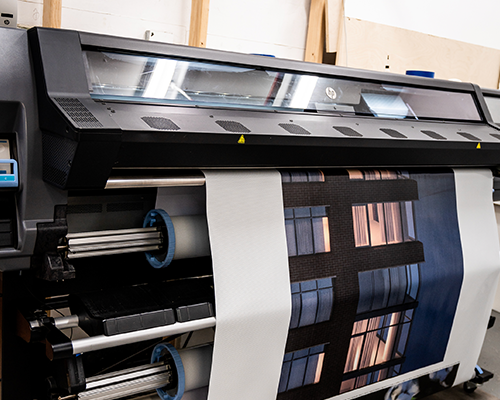
- High-quality digital and offset printing for all page counts and sizes
- Custom sizes and finishes for marketing, events, and business purposes
- Fast NYC delivery with professional support throughout the project
- Booklet Printing Services
- Request a Quote
 Adam Greenberg